Tools That Reduce Therapist Admin Load
Running a therapy practice involves far more than conducting sessions. Between scheduling, documentation, client communication, billing, and compliance management, administrative work can quickly consume the time you'd rather spend on clinical work or professional development. Many therapists report that paperwork and admin tasks steal significant hours from their week—time that could be invested in client care or personal wellbeing.
The good news? Modern practice management tools can dramatically reduce your administrative burden. By automating routine tasks and centralizing client information, you can reclaim hours each week and focus on what matters most: your clients and your practice's growth.
Why Admin Load Matters for Therapist Burnout
Administrative work is necessary but often feels disconnected from your core purpose as a clinician. When admin tasks pile up, they can lead to:
- Late nights spent on paperwork after client hours
- Missed opportunities to follow up with clients properly
- Increased stress and burnout risk
- Reduced capacity to take on new clients
- Difficulty maintaining work-life boundaries
Investing in the right tools isn't a luxury—it's a practical strategy for sustainable practice management and professional wellbeing.
Appointment Scheduling and Calendar Management
Manual scheduling is one of the biggest admin time-wasters. Coordinating client availability, managing cancellations, and preventing double-bookings takes precious minutes each day.
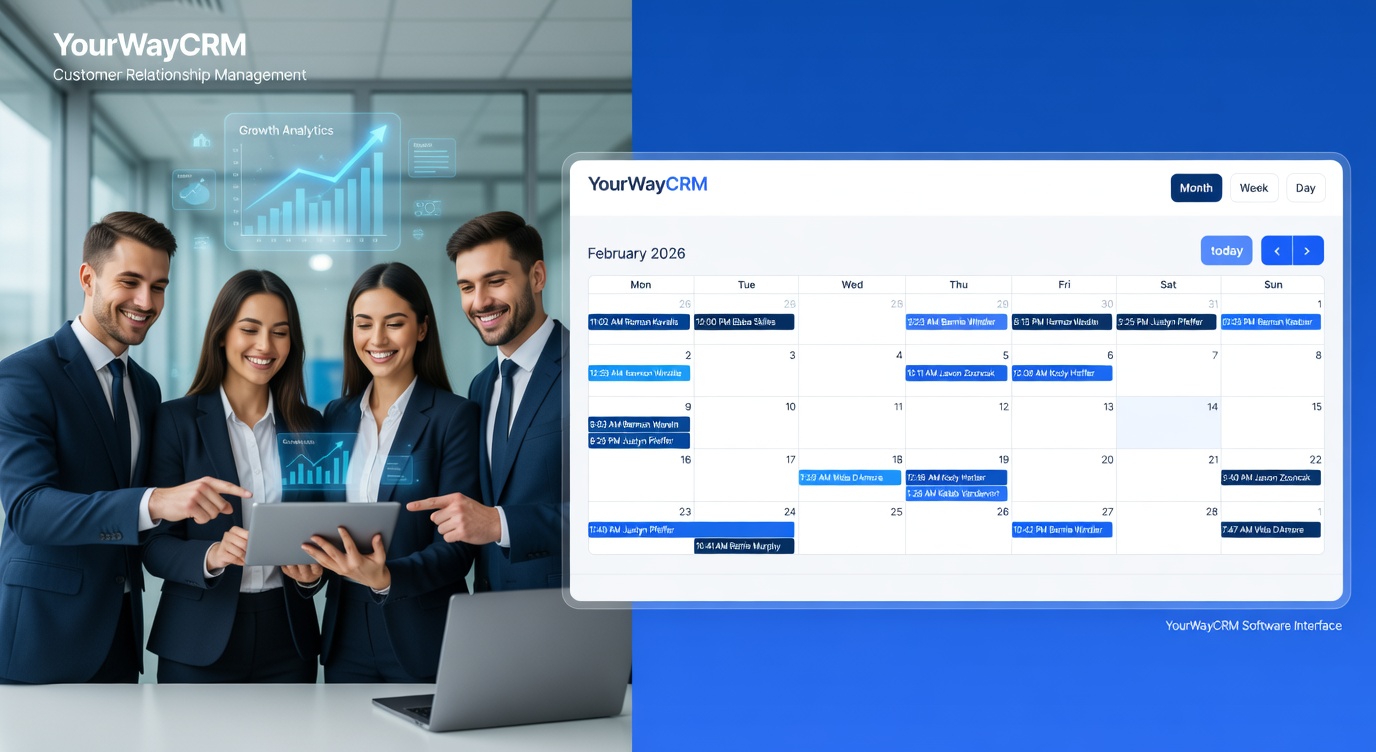
A dedicated practice management platform like YourWayCRM handles scheduling intelligently. Clients can book or reschedule appointments through an online portal, reducing back-and-forth emails. Automated reminders decrease no-shows, and the system prevents overbooking by showing real-time availability. Your calendar syncs across devices, so you always know what's next—whether you're at your desk or on the go.
The time savings are substantial: what might take 30 minutes of daily scheduling coordination can be reduced to a few minutes of system management.
Automated Client Communication
Sending appointment reminders, follow-up messages, and administrative communications manually is repetitive and error-prone. Automated systems eliminate this burden entirely.
Quality practice management tools send appointment reminders via SMS or email automatically, prompt clients to complete intake forms before their first session, and follow up after cancellations. This keeps communication professional and consistent while freeing you from sending the same messages repeatedly.
When clients receive timely, professional reminders, they're more likely to show up on time or provide adequate cancellation notice—further reducing disruptions to your schedule.
Client Record Centralization
Storing client information across multiple platforms—email, paper files, separate note-taking apps—creates chaos. You spend time searching for information, duplicating records, and risking confidentiality breaches.
A centralized client management system keeps all relevant information in one secure location: contact details, session notes, progress documentation, treatment plans, and communication history. This means:
- Instant access to client information during sessions
- Reduced time searching for past notes or contact details
- Better continuity of care across sessions
- Easier compliance with record-keeping standards
- Simplified client file handover if needed
When everything is organized and accessible, administrative efficiency follows naturally.
Session Documentation and Note-Taking
Writing detailed session notes is clinically important but time-consuming. Many therapists spend 15-30 minutes after each session documenting—time that could be spent on self-care, admin tasks, or client communication.
Some practice management platforms offer structured templates for session notes that prompt you to capture essential information without requiring lengthy free-form writing. Templates ensure consistency, reduce the cognitive load of deciding what to document, and speed up the process significantly.
While no tool replaces clinical judgment about what matters in a session, well-designed templates can reduce documentation time by half or more.
Cancellation and No-Show Management
Cancellations and no-shows disrupt your schedule and revenue. Managing these manually—tracking who cancelled, when, and why—adds administrative burden on top of the lost session time.
Automated systems track cancellations and no-shows, flag patterns, and can trigger automatic follow-up messages. Some practices use this data to adjust their cancellation policies or implement reminder systems that reduce no-shows altogether. This transforms a frustrating admin task into actionable business intelligence.
Billing and Payment Processing
Invoicing, payment collection, and financial record-keeping are essential but administrative heavy-lifting. Manual invoicing is slow and error-prone; chasing unpaid invoices adds stress.
Integrated billing tools within practice management platforms automate invoice generation, send payment reminders automatically, and process payments securely. Some systems integrate with accounting software, eliminating duplicate data entry.
For practices using insurance billing, automated systems can reduce the administrative complexity of claims management, though you should verify that any tool meets your specific billing requirements.
Compliance and Data Security
Maintaining client confidentiality and meeting data protection standards isn't optional—it's a professional and ethical responsibility. Managing this manually creates significant administrative burden and carries compliance risk.
Professional practice management tools are built with security and compliance as core features: encrypted data storage, secure client portals, access controls, and audit trails. This reduces your compliance workload and gives you confidence that client information is protected properly.
Choosing the Right Tools for Your Practice
Not every tool is right for every practice. When evaluating options, consider:
- Integration: Does it work with tools you already use?
- Ease of use: Can you and your team learn it quickly?
- Client experience: Are the client-facing features intuitive?
- Security: Does it meet your confidentiality and data protection requirements?
- Scalability: Will it grow with your practice?
- Support: Is help available when you need it?
A well-chosen practice management solution like YourWayCRM can consolidate multiple tools into one platform, further reducing complexity and admin load.
Reclaim Your Time
Every hour spent on administrative tasks is an hour not spent on client care, professional development, or personal wellbeing. By implementing thoughtful tools and systems, you can reclaim significant time each week.
The investment in practice management tools pays dividends: reduced stress, improved client experience, better organization, and a more sustainable practice. Start by identifying your biggest admin pain points—whether that's scheduling, documentation, or billing—and choose tools that address those specific challenges first.
Your clients deserve your best clinical work, and you deserve a practice that doesn't consume your life with administrative burden.