Analyze Customer Churn With CRM Data
Customer churn is one of the biggest challenges small business owners face. Losing customers not only impacts revenue but also signals underlying issues with your products, services, or customer relationships. The good news? A modern CRM system can help you identify why customers are leaving and give you the insights needed to prevent it.
Understanding churn patterns isn't just about numbers—it's about recognizing the warning signs before customers walk out the door. By leveraging your CRM data effectively, you can spot trends, understand customer behavior, and take proactive steps to improve retention.
Why Customer Churn Matters for Small Businesses
For small businesses operating on tight margins, losing customers directly impacts profitability. Acquiring a new customer costs significantly more than retaining an existing one—research shows it can be 5-25 times more expensive. When customers churn, you lose not just their immediate revenue but also their lifetime value and potential referrals.
More importantly, churn often reveals problems you need to fix. High churn rates might indicate poor product quality, inadequate customer service, pricing issues, or changing market demands. Without analyzing the patterns, you're left guessing about what went wrong.
What Your CRM Can Reveal About Churn
A CRM platform stores valuable data about every customer interaction, purchase, and engagement. This information becomes powerful when you analyze it for churn patterns:
- Purchase Frequency Decline – Track when customers stop buying as often as they used to
- Support Ticket Trends – Identify if dissatisfied customers are filing more complaints
- Engagement Metrics – Monitor email opens, website visits, and communication responses
- Payment Issues – Spot failed transactions or payment delays that might indicate financial problems
- Customer Lifecycle Stage – See which stage (new, regular, at-risk) customers are in
- Seasonal Patterns – Recognize if churn spikes during specific times of year
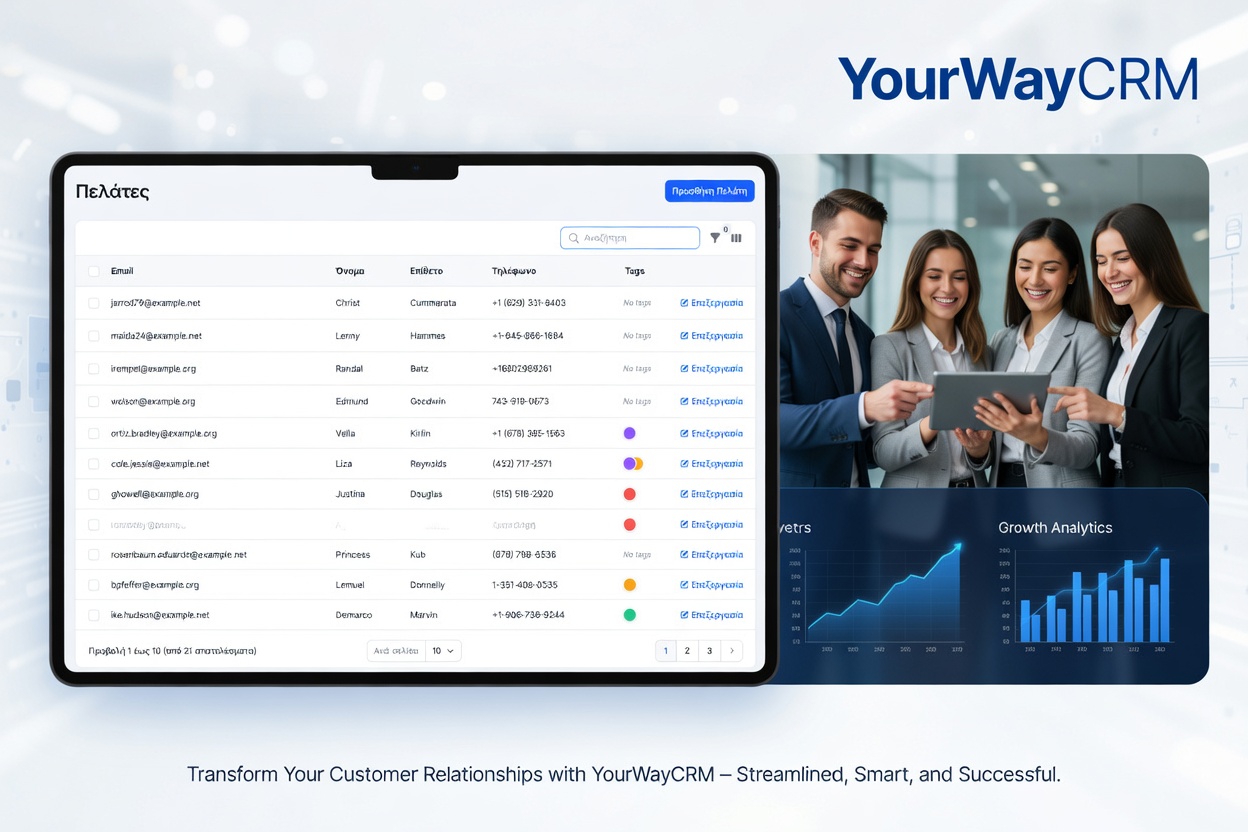
YourWayCRM makes it easy to track these metrics in one dashboard, giving you a clear view of customer health at a glance.
Steps to Analyze Churn Patterns in Your CRM
1. Define What Churn Means for Your Business
Churn isn't one-size-fits-all. For a subscription business, it might mean a cancelled account. For a retail shop, it could be a customer who hasn't purchased in 6 months. Define your churn criteria clearly so you can measure it accurately in your CRM.
2. Segment Your Customer Base
Not all customers churn for the same reasons. Segment your customers by industry, purchase history, contract value, or engagement level. This helps you identify which groups are most at-risk and why they might be leaving.
3. Look for Common Characteristics
Use your CRM to compare customers who have churned with those who stayed. What do they have in common? Did they all use a specific product? Come from a particular source? Have similar company sizes? Finding these patterns reveals root causes.
4. Track the Timeline
When did customers typically churn? Was it after their first purchase, during contract renewal, or after a specific event? Understanding the timing helps you intervene at the right moment.
5. Analyze Interaction History
Review emails, calls, and support tickets leading up to churn. Did communication drop off? Were issues left unresolved? Your CRM's activity history provides crucial context.
Actionable Strategies to Reduce Churn
Once you've identified churn patterns, take action:
- Create At-Risk Alerts – Set up CRM automations to flag customers showing churn warning signs so your team can reach out proactively
- Improve Onboarding – If customers churn early, strengthen your onboarding process to ensure they get value quickly
- Increase Engagement – Use CRM data to personalize communications and show customers you understand their needs
- Fix Service Gaps – If support issues correlate with churn, invest in better customer service training and resources
- Adjust Pricing or Offers – If price is a factor, consider tiered plans or loyalty discounts for long-term customers
Using CRM Reporting for Churn Insights
Most CRM platforms, including YourWayCRM, offer reporting features that make churn analysis straightforward. Create custom reports that show:
- Monthly churn rate by customer segment
- Average customer lifetime before churn
- Revenue impact of churned customers
- Comparison of engagement metrics between retained and churned customers
Regular reporting turns churn data into actionable intelligence you can share with your team and use to guide business decisions.
Final Thoughts
Customer churn doesn't have to be inevitable. By using your CRM to analyze patterns, you gain the visibility needed to retain more customers and grow your business sustainably. Start by examining your existing customer data, identifying at-risk segments, and implementing targeted retention strategies. Your CRM is the tool—smart analysis is the key to keeping customers loyal.