Why Follow-Up Reminders Matter for Your Business
The fortune is in the follow-up. This age-old sales wisdom remains as true today as ever. Yet many small business owners struggle to keep track of when to follow up with leads, prospects, and existing customers. Without a system in place, important follow-ups slip through the cracks, deals stall, and revenue suffers.
Research shows that most sales require multiple touchpoints before a prospect converts. A single email or call rarely closes the deal. By implementing follow-up reminders in your CRM, you ensure that no lead falls through the cracks and every opportunity gets the attention it deserves.
What Are CRM Follow-Up Reminders?
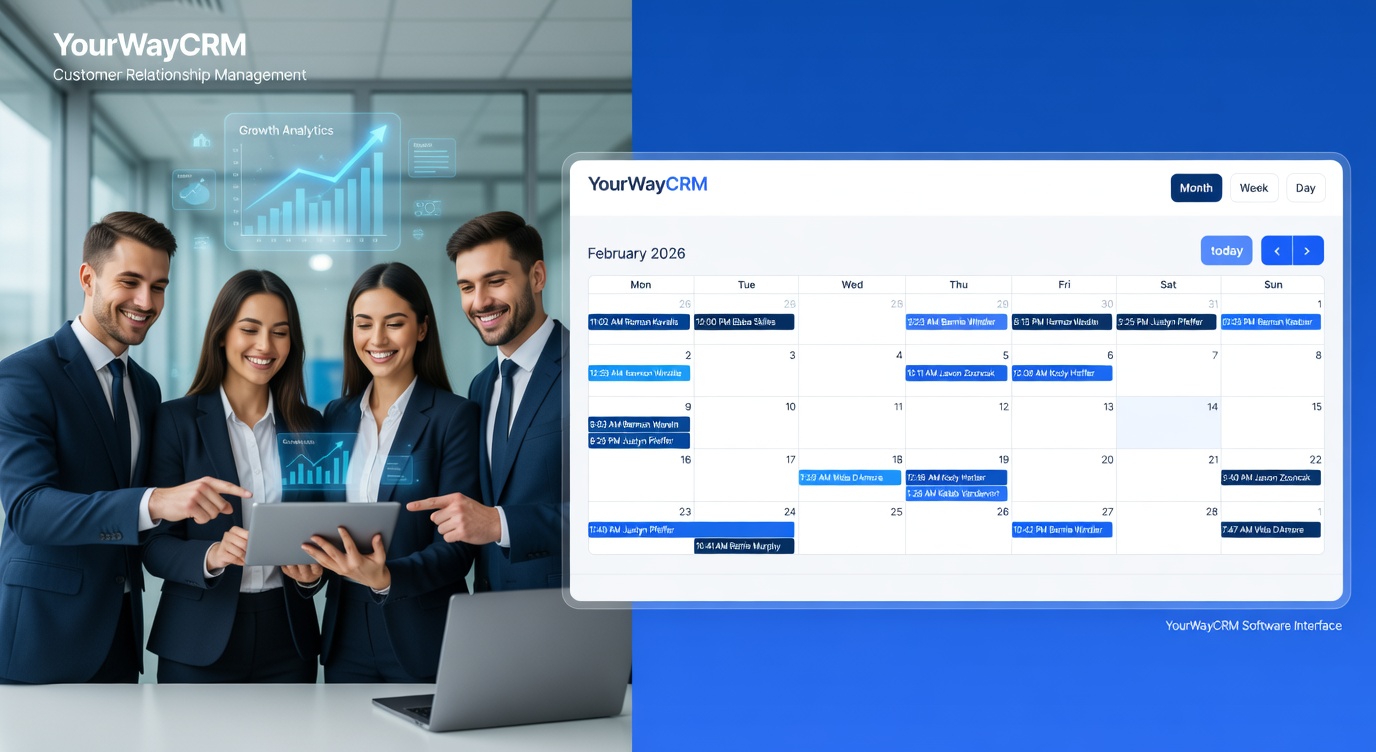
CRM follow-up reminders are automated notifications that alert you and your team when it's time to reach out to a contact. Instead of manually tracking who needs a follow-up and when, your CRM system handles the scheduling and sends timely alerts to your sales team.
These reminders can be triggered by various actions, such as:
- A prospect viewing your email but not responding
- A quote being sent without acceptance
- A customer reaching a milestone in their journey
- A specific number of days passing since last contact
- A scheduled callback date approaching
With tools like YourWayCRM, you can set up intelligent reminders that keep your team focused on high-priority tasks without adding to their workload.
Setting Up Follow-Up Reminders in Your CRM
Step 1: Define Your Follow-Up Strategy
Before setting up reminders, determine your follow-up cadence. How many days should pass before the first follow-up? When should the second and third follow-ups occur? Your strategy might look like this:
- First follow-up: 1-2 days after initial contact
- Second follow-up: 5-7 days after the first
- Third follow-up: 14 days after the second
Different industries and sales cycles may require different timelines. B2B sales might need longer intervals, while e-commerce businesses might follow up more quickly.
Step 2: Create Custom Reminder Rules
Use your CRM to create custom rules based on your business needs. YourWayCRM allows you to set reminders based on contact status, deal stage, or specific actions. For example, you might create a rule that automatically reminds your team to follow up with any lead that hasn't responded to an email within 48 hours.
Step 3: Assign Reminders to Team Members
Make sure reminders are assigned to the right person. The sales rep who initiated contact should typically handle follow-ups, but you can also rotate assignments based on availability or expertise. Clear ownership ensures accountability and faster response times.
Best Practices for CRM Follow-Up Reminders
Personalize Your Messages
Don't let reminders become a reason to send generic, robotic follow-ups. Use the contact information stored in your CRM to personalize each message. Reference previous conversations, mention specific pain points they discussed, or reference their industry. Personalization increases response rates and builds stronger relationships.
Set Realistic Timing
While consistency matters, avoid follow-up fatigue. Bombarding prospects with daily reminders will damage your reputation and hurt conversion rates. Space out your follow-ups appropriately based on your sales cycle and industry norms.
Document Every Interaction
When your team completes a follow-up, they should log it in the CRM immediately. This creates a complete history of interactions and ensures the next team member knows exactly where things stand. YourWayCRM makes it easy to add notes, call logs, and email records to each contact's profile.
Use Multiple Channels
Don't rely solely on email for follow-ups. Mix in phone calls, text messages, and LinkedIn outreach. Your CRM should support reminders across all channels to keep your communication strategy flexible and effective.
Common Follow-Up Scenarios
After a Sales Call
Set a reminder to follow up within 24 hours of a sales call. Send a summary email recapping what was discussed and next steps. This keeps momentum going and shows professionalism.
After Sending a Quote
Create a reminder for 3-5 days after sending a quote. Use this follow-up to answer questions, address concerns, or provide additional information that might help close the deal.
Post-Purchase Follow-Up
Don't stop following up after the sale closes. Set reminders to check in with new customers, ensure they're satisfied, and identify upsell opportunities. Customer retention is often cheaper than acquiring new customers.
Re-engagement with Inactive Leads
If a lead hasn't engaged in 30+ days, set a reminder to re-engage them with fresh content or a new angle. Sometimes a timely message can revive a stalled opportunity.
Measuring the Impact of Your Follow-Up System
Track key metrics to understand how well your follow-up strategy is working. Monitor response rates, conversion rates, and the average time from first contact to deal closure. Use these insights to refine your reminder schedule and messaging.
YourWayCRM provides reporting features that help you see which follow-up strategies are working best, so you can continuously improve your sales process.
Conclusion
CRM follow-up reminders are essential for small business success. By automating your follow-up process and keeping your team accountable, you'll close more deals, improve customer relationships, and grow revenue. Start by defining your follow-up strategy, setting up reminders in your CRM system, and tracking your results. With consistency and personalization, follow-up reminders will become your competitive advantage in the marketplace.