Using CRM to Manage Customer Feedback
Customer feedback is gold for small business owners. It tells you what's working, what needs improvement, and how your customers truly feel about your products and services. But collecting feedback is only half the battle—managing it effectively is what transforms insights into action.
This is where a customer relationship management (CRM) system becomes invaluable. By centralizing customer feedback within your CRM, you can track patterns, respond promptly, and make data-driven decisions that drive growth. Let's explore how to use CRM to manage customer feedback and boost your business.
Why Customer Feedback Matters for Small Businesses
Customer feedback provides direct insight into your customers' needs, preferences, and pain points. For small businesses operating with limited resources, this information is critical. It helps you:
- Identify which products or services are resonating with your audience
- Spot areas where you're falling short and need improvement
- Discover new opportunities for growth and innovation
- Build stronger relationships by showing customers you listen
- Reduce churn by addressing issues before customers leave
Without a system to organize this feedback, valuable insights get lost in emails, scattered notes, or forgotten conversations. That's where a CRM comes in.
How CRM Helps Organize Customer Feedback
A good CRM system centralizes all customer interactions in one place. When you use your CRM to manage customer feedback, you create a single source of truth for understanding your customers. Here's how it helps:
Centralized Feedback Collection
Instead of feedback scattered across emails, survey platforms, and social media, your CRM becomes the hub where all customer input is stored. You can log feedback directly in customer records, attach survey responses, and link comments to specific interactions or transactions.
Easy Tracking and Organization
CRM systems allow you to tag, categorize, and filter feedback by topic, sentiment, or priority. This makes it simple to identify trends. For example, if multiple customers mention slow shipping, you'll spot this pattern immediately rather than discovering it months later.
Timeline and Context
Your CRM maintains a complete timeline of each customer's journey. When feedback arrives, you can see the full context—previous purchases, support tickets, and past interactions. This deeper understanding helps you respond more meaningfully.
Team Collaboration
With feedback stored in your CRM, your entire team can access and act on it. Sales, support, and product teams can all see what customers are saying, ensuring everyone is aligned on priorities and customer needs.
Best Practices for Managing Feedback in Your CRM
Create a Feedback Capture System
Establish clear processes for how feedback enters your CRM. This might include:
- Post-purchase surveys that automatically log results to customer profiles
- Support tickets that capture customer issues and resolutions
- Regular check-in calls where team members document feedback
- Social media monitoring that flags mentions of your business
Standardize Your Feedback Categories
Create consistent tags or categories for feedback types—product quality, customer service, pricing, shipping, features requested, etc. This standardization makes it easier to analyze trends and identify what matters most to your customers.
Set Response Time Standards
Use your CRM to track when feedback arrives and ensure timely responses. Nothing frustrates customers more than feeling unheard. Set reminders to follow up on feedback within a specific timeframe, showing customers that you take their input seriously.
Close the Loop
When you act on feedback, let the customer know. Did their suggestion lead to a product change? Tell them. Did their complaint prompt a process improvement? Share the results. This feedback loop builds loyalty and shows customers their voice matters.
Turning Feedback Into Action
Collecting feedback is worthless if you don't act on it. Use your CRM to:
- Generate reports on common feedback themes quarterly
- Assign action items to team members based on feedback insights
- Track the impact of changes you've made in response to feedback
- Measure customer satisfaction improvements over time
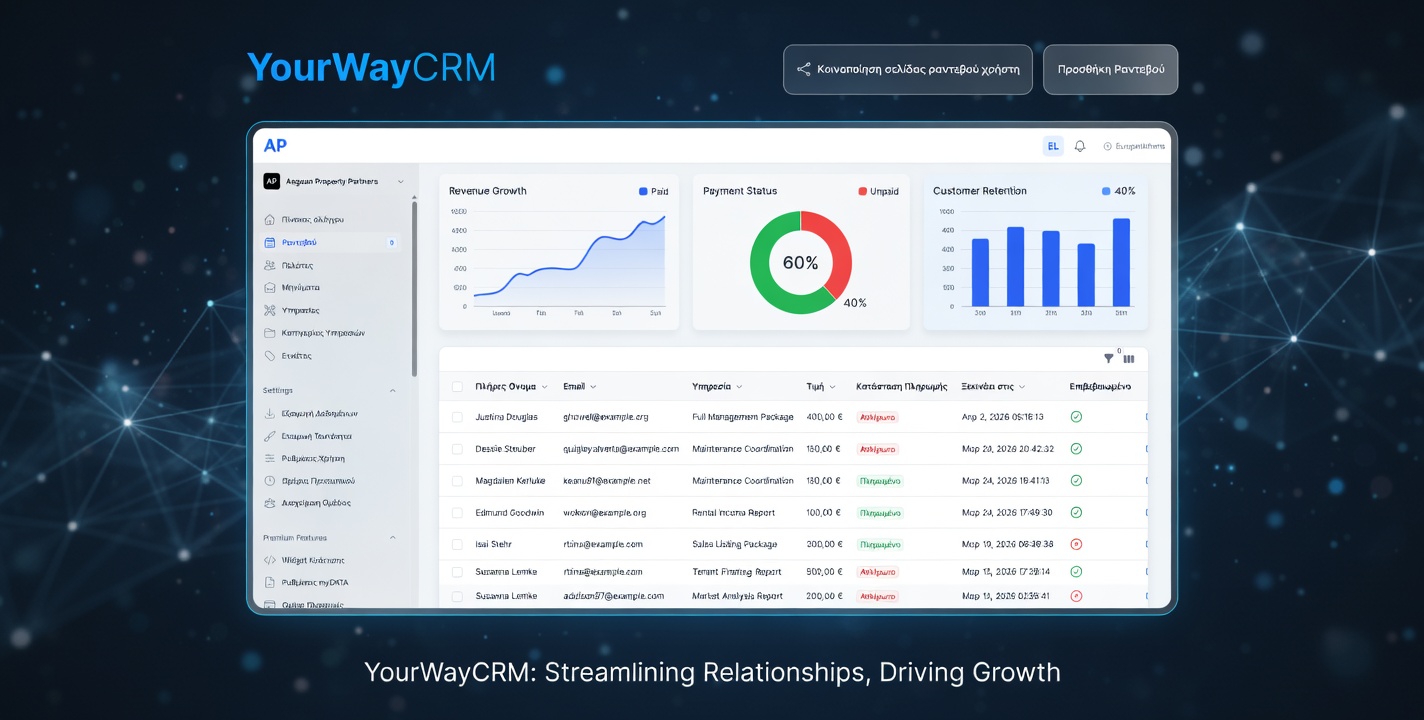
Tools like YourWayCRM make this process seamless by allowing you to store feedback, track trends, and collaborate with your team—all in one platform. You can see at a glance what your customers are saying and ensure nothing falls through the cracks.
The Competitive Advantage
Small businesses that systematically collect and act on customer feedback gain a significant competitive advantage. You become more responsive, more customer-centric, and more innovative than competitors who ignore what their customers are telling them.
By using your CRM to manage customer feedback effectively, you're not just keeping customers happy—you're building a feedback loop that drives continuous improvement and sustainable growth.
Start Managing Feedback Today
If you're not already using your CRM to manage customer feedback, now is the time to start. Begin by identifying all the places feedback currently enters your business, then consolidate it in your CRM. Create a simple system for categorizing and responding to feedback, and commit to reviewing it regularly.
Your customers are telling you how to improve your business. Make sure you're listening—and acting—on what they say.