How to Never Lose a Lead Again with CRM
For small business owners, every lead is precious. Whether you're running a service-based company, selling products online, or managing a growing client base, losing potential customers can directly impact your bottom line. The good news? A Customer Relationship Management (CRM) system can be your safety net, ensuring no lead slips through the cracks.
In this guide, we'll explore how CRM technology helps you capture, organize, and nurture leads throughout your sales pipeline, so you can focus on what matters most—growing your business.
The Real Cost of Losing Leads
Before diving into solutions, let's understand the problem. Many small business owners rely on scattered methods to track leads: emails scattered across inboxes, notes on sticky notes, or worse, leads stored only in someone's memory. This approach inevitably leads to:
- Missed follow-up opportunities
- Duplicate contact efforts
- Lost deal information
- Inconsistent customer experiences
- Revenue leakage
Studies show that businesses lose up to 50% of leads simply because they fail to follow up promptly. That's half your potential revenue walking out the door.
How CRM Systems Prevent Lead Loss
Centralized Lead Storage
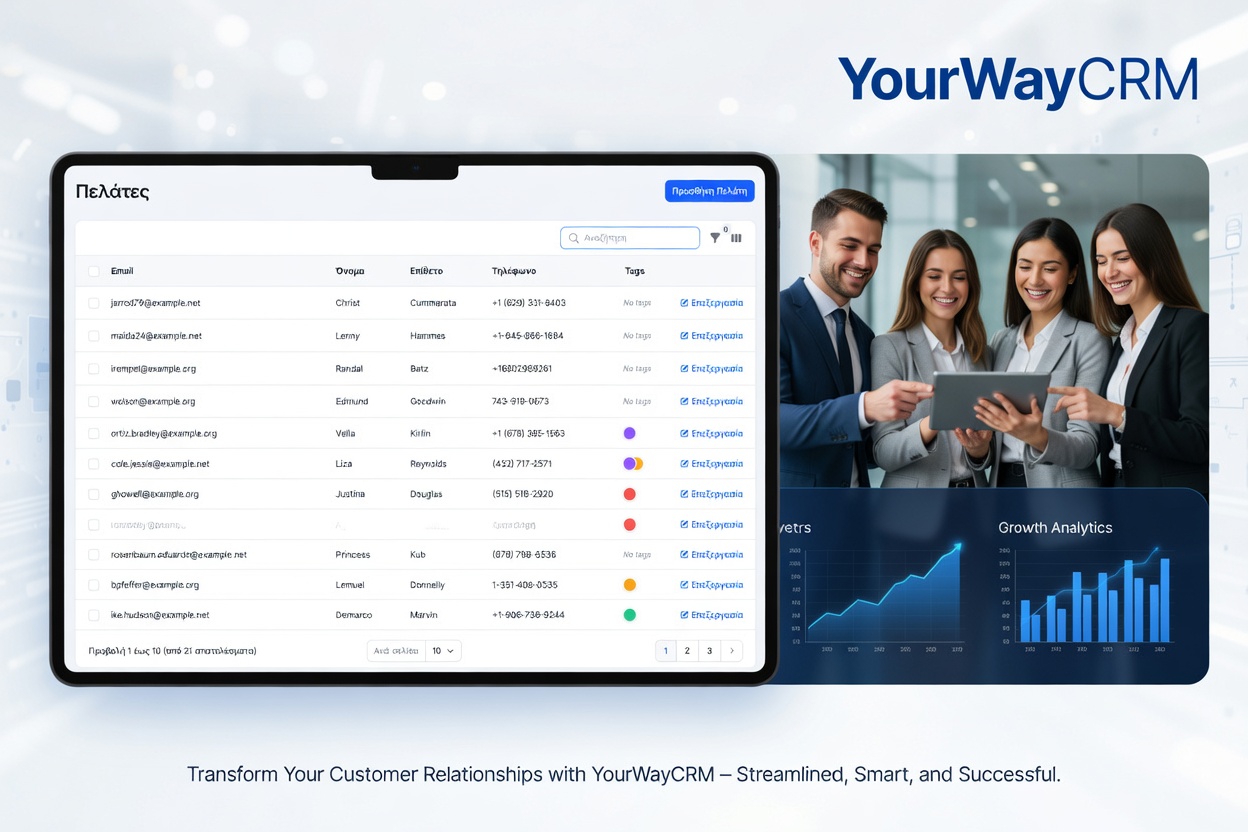
A CRM system like YourWayCRM provides a single, centralized location for all your lead information. Every contact detail, interaction history, and conversation note is stored in one place that your entire team can access. This eliminates the chaos of scattered spreadsheets and forgotten emails.
When all team members have access to the same lead data, you eliminate duplicate work and ensure consistency in how you communicate with prospects.
Automated Follow-Up Reminders
CRM systems automate the follow-up process with intelligent reminders and task assignments. You can set automatic alerts for when it's time to reach out to a prospect, ensuring no lead falls through the cracks due to a busy schedule.
Many CRM platforms allow you to schedule follow-ups based on specific triggers—like when a lead hasn't been contacted in 7 days or when they've engaged with your email. This keeps your sales pipeline active without requiring constant manual effort.
Lead Scoring and Prioritization
Not all leads are created equal. A good CRM helps you identify which leads are most likely to convert by tracking engagement metrics like email opens, website visits, and interaction frequency. This allows your sales team to prioritize high-potential prospects and allocate their time more effectively.
With YourWayCRM, you can set custom lead scoring rules based on your business model, ensuring your team focuses on the opportunities with the highest conversion potential.
Best Practices for Lead Management with CRM
Establish Clear Lead Capture Processes
Your CRM is only as good as the data you put into it. Establish clear procedures for how leads enter your system—whether through web forms, contact requests, phone calls, or social media inquiries. Make sure every team member knows how to properly log new leads with complete information.
Create a Consistent Follow-Up Schedule
Develop a standardized follow-up timeline for different lead types. For example, hot leads might get contacted within 24 hours, while warm leads might have a 3-day follow-up window. Document these processes in your CRM so everyone follows the same playbook.
Use Pipeline Stages Effectively
Organize your leads into clear pipeline stages: initial contact, qualified lead, proposal sent, negotiation, and closed deal. This visual representation helps you see where leads are in the sales process and identify bottlenecks.
Implement Regular Data Maintenance
Schedule weekly or monthly reviews to update lead information, remove duplicates, and clean up your database. Accurate data ensures your CRM works effectively and provides reliable insights for decision-making.
Leverage Reporting and Analytics
Use your CRM's reporting features to track key metrics like conversion rates, average sales cycle length, and lead source performance. These insights help you refine your lead generation and nurturing strategies over time.
Technology Features That Keep Leads Safe
Modern CRM platforms offer several features specifically designed to prevent lead loss:
- Email Integration: Automatically log emails sent to prospects within your CRM
- Mobile Access: View and update lead information from anywhere, anytime
- Activity Tracking: Monitor all interactions with each lead automatically
- Workflow Automation: Set up automatic actions triggered by specific lead behaviors
- Team Collaboration: Leave notes and assign tasks so team members stay aligned
- Backup and Security: Cloud-based CRM systems ensure your lead data is never lost
Getting Your Team On Board
Even the best CRM won't prevent lead loss if your team doesn't use it consistently. Here's how to ensure adoption:
- Provide thorough training on CRM features and your company's processes
- Start with essential features and gradually expand usage
- Make CRM data entry as simple and quick as possible
- Lead by example—show how the CRM improves results
- Track and celebrate wins that come from better lead management
The Bottom Line
Losing leads is a preventable problem. By implementing a CRM system and following best practices for lead management, you can ensure every prospect gets the attention they deserve. Whether you choose YourWayCRM or another platform, the key is having a system that works for your business and a team committed to using it consistently.
The investment in a CRM pays for itself many times over through recovered leads and improved conversion rates. Start today, and watch your sales pipeline transform.