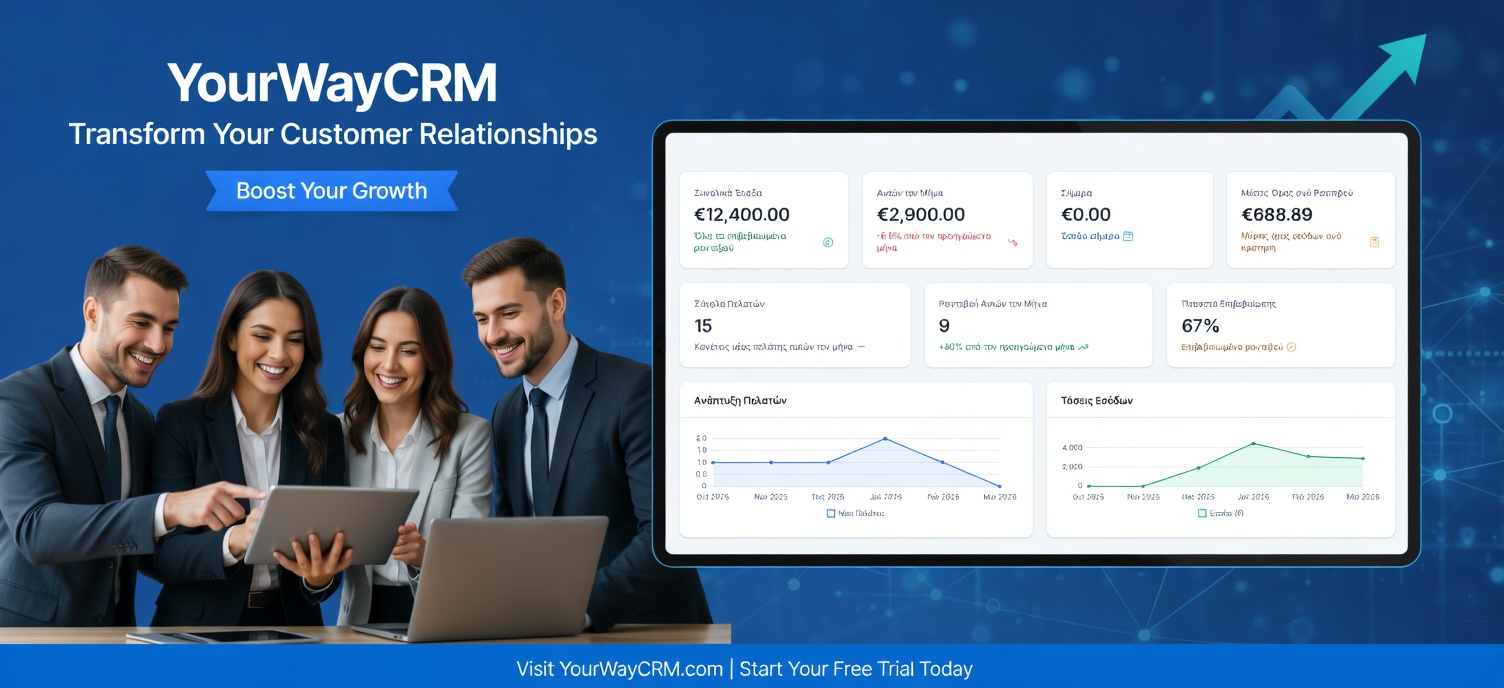
Proactive Customer Support With CRM
In today's competitive business landscape, waiting for customers to complain is no longer a viable strategy. Proactive customer support—anticipating problems before they occur—has become essential for small businesses looking to build loyalty and reduce churn. A customer relationship management (CRM) platform is the perfect tool to help you shift from reactive to proactive support.
This approach doesn't just improve customer satisfaction; it also reduces support costs, increases lifetime value, and sets your business apart from competitors. Let's explore how you can leverage your CRM to deliver exceptional proactive support.
What Is Proactive Customer Support?
Proactive customer support means reaching out to customers before they encounter problems. Instead of waiting for a support ticket, you identify potential issues and address them preemptively. This might include:
- Sending usage tips before customers get stuck
- Notifying customers about upcoming maintenance windows
- Alerting users to product updates that solve common pain points
- Following up after purchases to ensure satisfaction
- Identifying at-risk customers before they churn
By taking this approach, you demonstrate that you care about customer success, not just transactions.
Why Your CRM Is Essential for Proactive Support
A robust CRM system like YourWayCRM stores all customer data in one place—purchase history, interaction records, support tickets, and behavioral patterns. This centralized information allows you to:
- Identify patterns: Spot common issues before they become widespread problems
- Segment customers: Group customers by needs, product usage, or risk level
- Track touchpoints: Know when and how customers last interacted with your business
- Set reminders: Automate follow-ups at critical moments in the customer journey
- Measure success: Track how proactive support impacts satisfaction and retention
Key Strategies for Proactive Support With Your CRM
1. Monitor Customer Usage and Behavior
Set up your CRM to track how customers interact with your product or service. Are they using all features? Are they logging in regularly? A customer who suddenly stops using your product is a red flag. Use this data to trigger automatic check-ins: "We noticed you haven't used [feature] yet. Here's how it can help you..."
2. Implement Automated Workflows
YourWayCRM allows you to create automated workflows that send timely messages based on customer actions. For example:
- New customer? Send onboarding tips within 24 hours
- Made a purchase? Follow up after one week to ensure satisfaction
- Haven't visited in 30 days? Send a personalized re-engagement message
- Upcoming renewal date? Reach out with tips to maximize value
These workflows ensure no customer falls through the cracks while your team focuses on other priorities.
3. Segment Customers by Risk Level
Use your CRM to identify which customers are most at risk of churning. Look for warning signs like:
- Declining order frequency
- Increased support complaints
- Reduced product usage
- Negative feedback or low satisfaction scores
Once identified, create targeted retention campaigns. A personal phone call from a manager can often save a relationship that's on the verge of ending.
4. Schedule Proactive Check-ins
Your CRM can remind you when to reach out to key customers. Regular check-ins—whether quarterly business reviews, personalized emails, or quick calls—show customers they matter beyond the sale. Use these conversations to understand their evolving needs and offer solutions before they ask.
5. Share Relevant Content and Resources
Use your CRM to send customers content tailored to their needs. If a customer recently purchased a product, send them a guide on best practices. If they're in a specific industry, share relevant case studies. This positions your business as a trusted advisor, not just a vendor.
Best Practices for Proactive Support
Personalize everything: Generic messages feel impersonal. Use customer data from your CRM to reference their specific situation, purchase history, or preferences.
Time your outreach: Don't overwhelm customers with constant contact. Space out your proactive outreach strategically, and respect their communication preferences stored in your CRM.
Train your team: Ensure everyone has access to customer information in your CRM and knows how to use it. A support rep who understands the customer's full history can provide much better service.
Measure and optimize: Track metrics like customer satisfaction scores, retention rates, and support ticket volume. Use these insights to refine your proactive support strategy over time.
The Bottom Line
Proactive customer support transforms your relationship with customers. By using your CRM to anticipate needs, automate touchpoints, and deliver personalized outreach, you'll build stronger relationships, reduce churn, and create loyal advocates for your business.
The shift from reactive to proactive support isn't just about solving problems—it's about showing customers that you're invested in their success. With the right CRM strategy in place, you can deliver the exceptional service that keeps customers coming back.